
We’ve been working on making BookBildr accessible from any device, and we’re happy to announce that the BookBildr editor is now available directly from your mobile browser — no app download required.
Create Books Anywhere
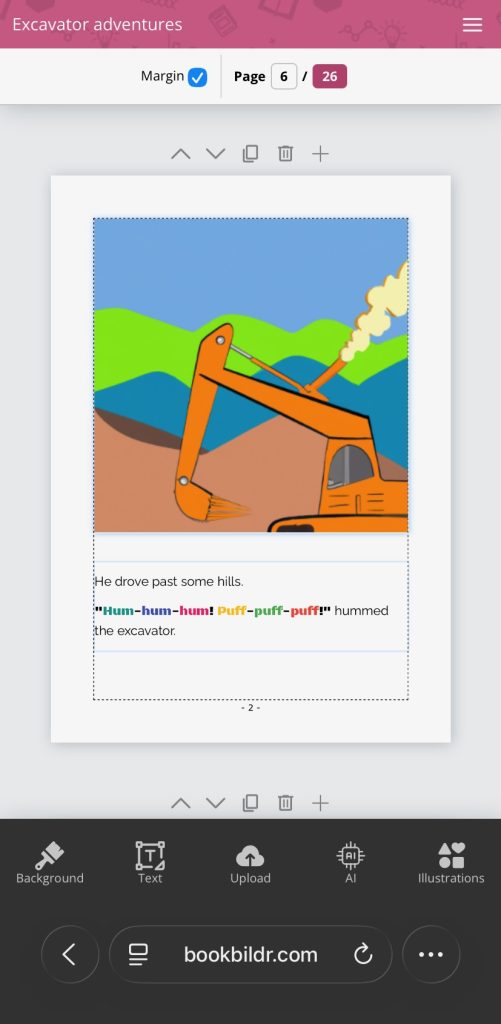
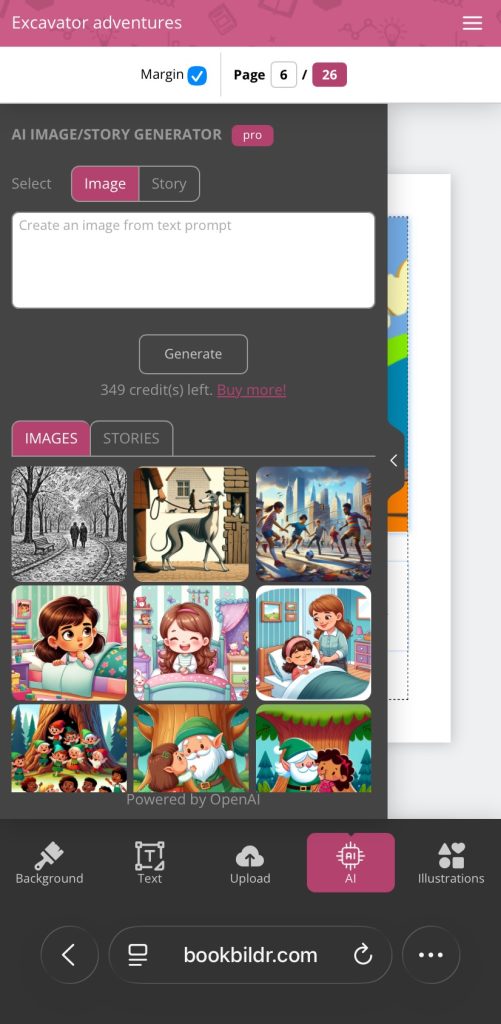
Whether you’re on a phone or tablet, you can now open BookBildr in your browser and start creating. The mobile version gives you access to the full suite of tools you need to build and publish your book from start to finish — AI image generation, AI story generation, AI image editing, the full illustration library, text tools, and the ability to place orders, all on the go.
What’s Available on Mobile
The mobile editor is fully functional for the entire book creation workflow. You can start a new project, add and edit pages, write your story, generate and edit illustrations with AI, and submit your order — all from your phone or tablet. AI story generation is also available if you’d like a hand getting started.
Create Photo Books from Your Phone
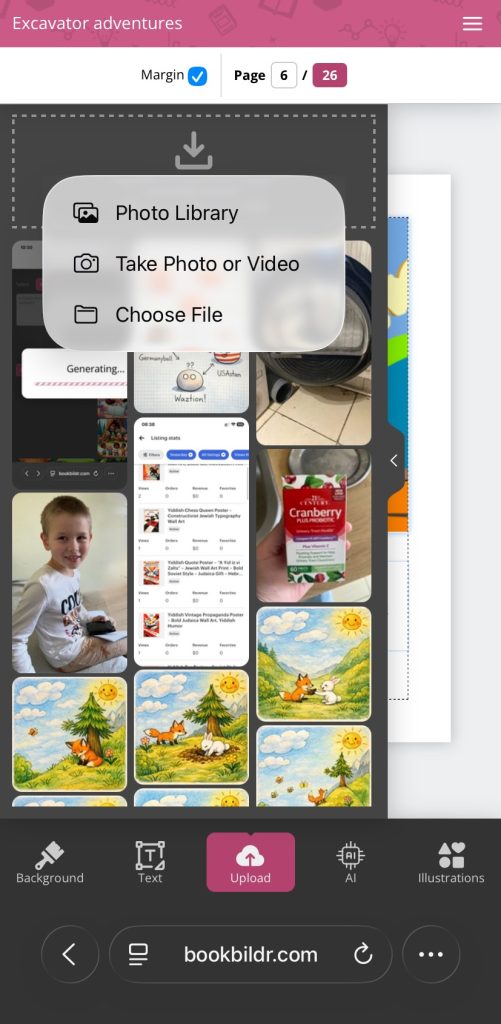
We’ve also made uploading your own photos as seamless as possible on mobile. Creating a personalized photo book or adding your own images to a story is now straightforward — just tap to upload directly from your camera roll. No transferring files to a desktop first.
A Few Things Still Work Best on Desktop
We want to be upfront about where the desktop still has the edge. Previewing your book in two-page spreads, the drawing canvas, and advanced text editing are currently desktop-only features. If your workflow depends on any of these, we recommend finishing up on a desktop or laptop.
For most users, the mobile version has everything you need to take a book from idea to order.

How to Get Started
Simply open bookbildr.com in your mobile browser and log in to your account, then go to My Books. No installation, no updates, no app store. Your existing projects are right there waiting for you.