
When you’ve finished working on your book, you can order it as a hard copy or a PDF download. Here’s how to order a PDF.
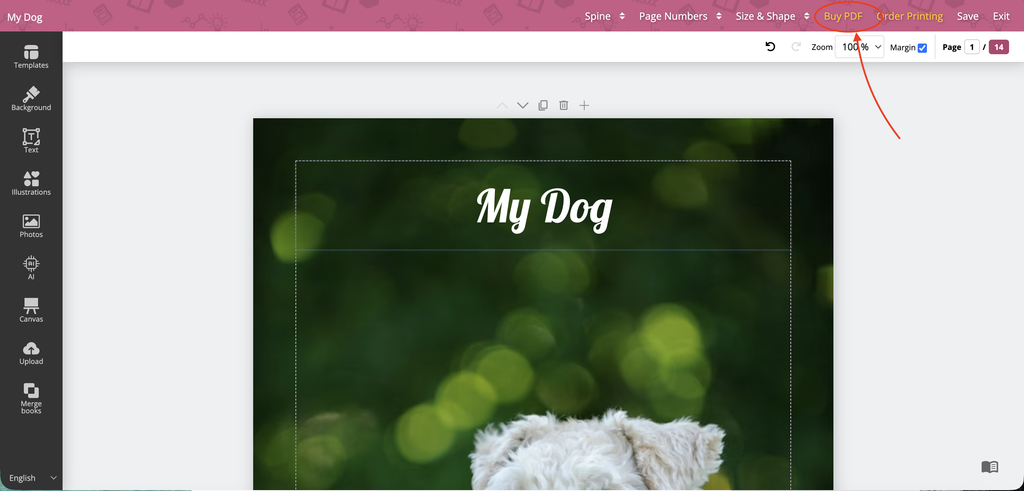
Open your book in BookBildr Editor and click on Buy PDF in the top toolbar:
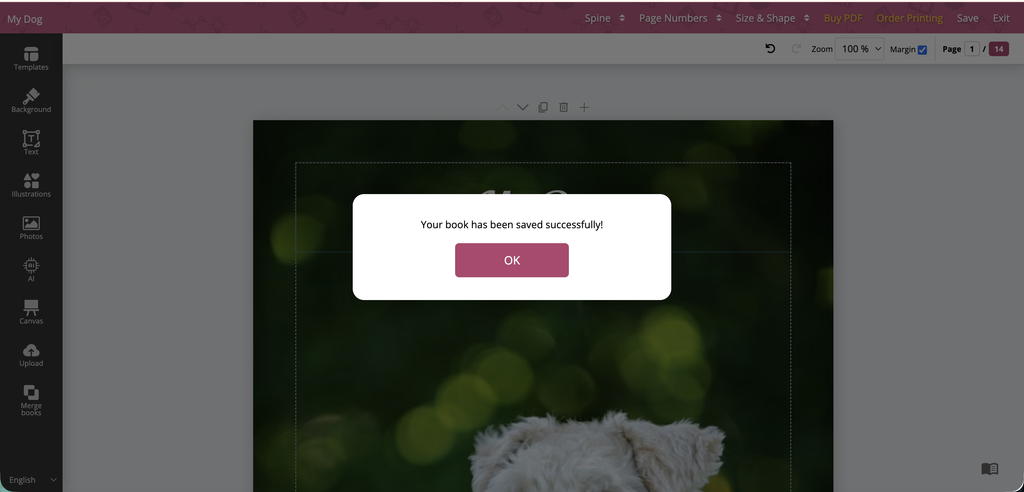
Wait for BookBildr to save your book project and click OK. Important: do not refresh the page at this stage.
You will be redirected to the secure checkout page:
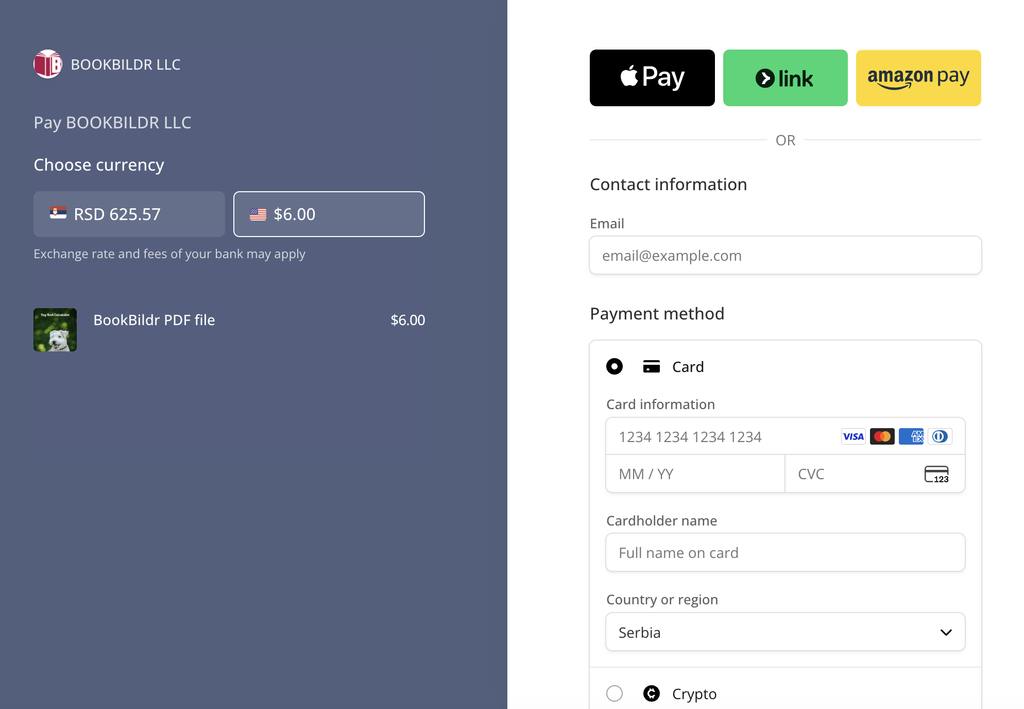
Enter your payment details and complete your purchase.
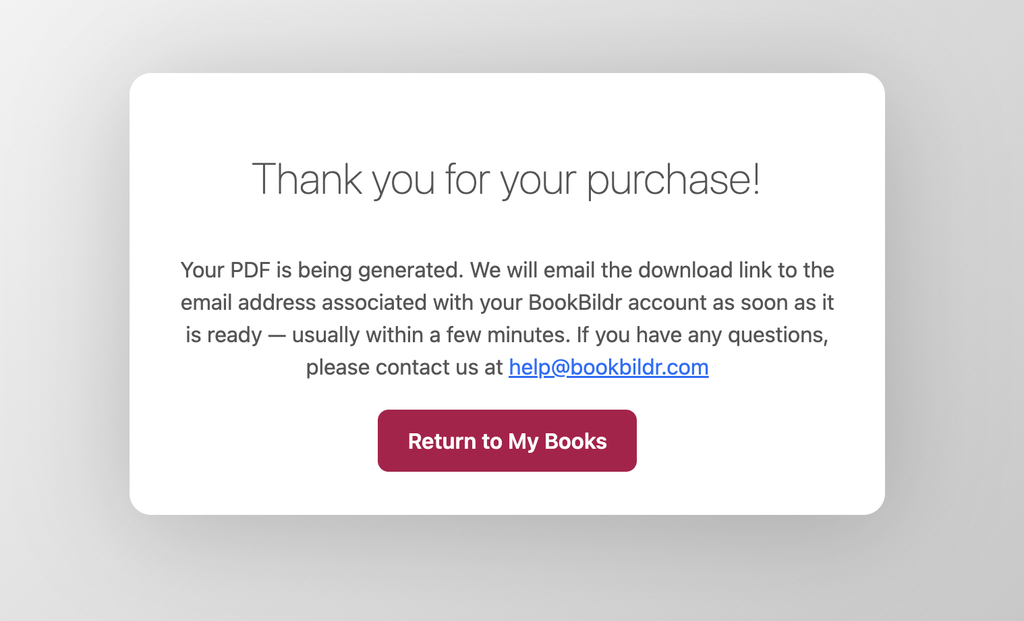
You will be redirected to the Thank You page. The PDF will be generated in the background and a download link will be sent to the email address you used to register your BookBildr account.
Note: please make sure you save the PDF on your computer because the link will expire in 14 days!


